A complete site structure
Nine static pages, a CMS article layout and three original Field Notes articles. Shared navigation, footer and responsive desktop, tablet and phone layouts.
 Templates
002 / FRAMER TEMPLATE FOR AI SAAS
Make a technical product easy to understand.
A complete marketing website for AI observability products. Let visitors explore a request, understand your offer and take the next step.
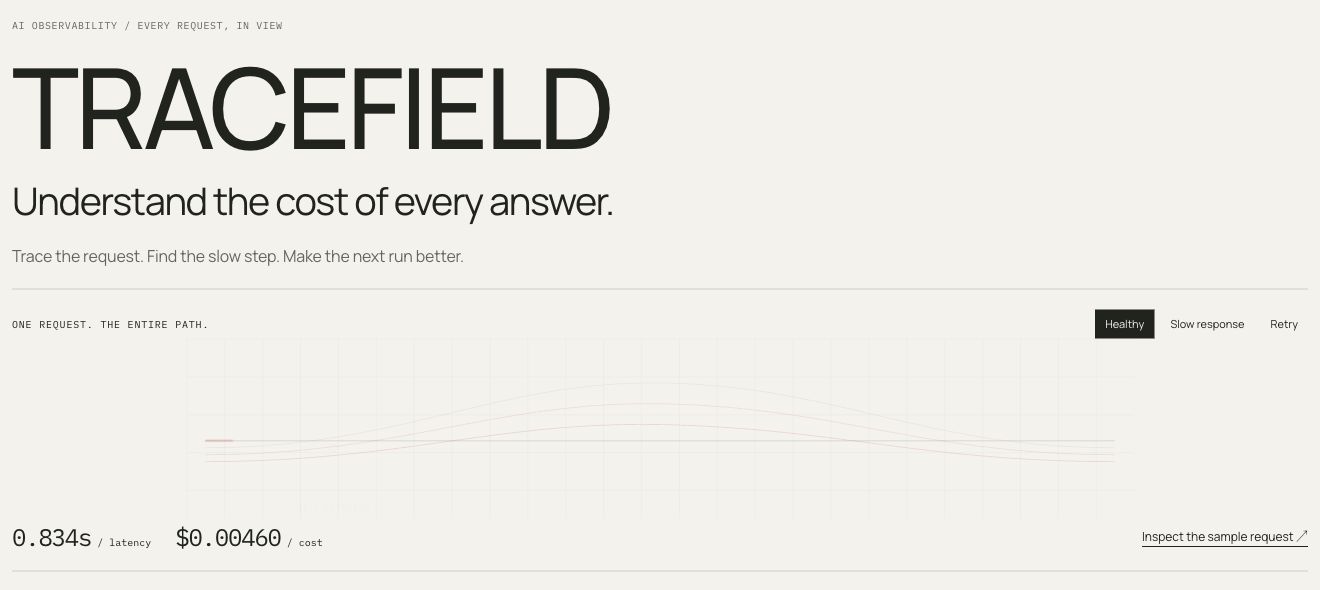
Native Framer project · English template · Italian & English setup guides
Real screenshots from the native Framer demo. Open it to try the interactions; all requests and metrics are illustrative.
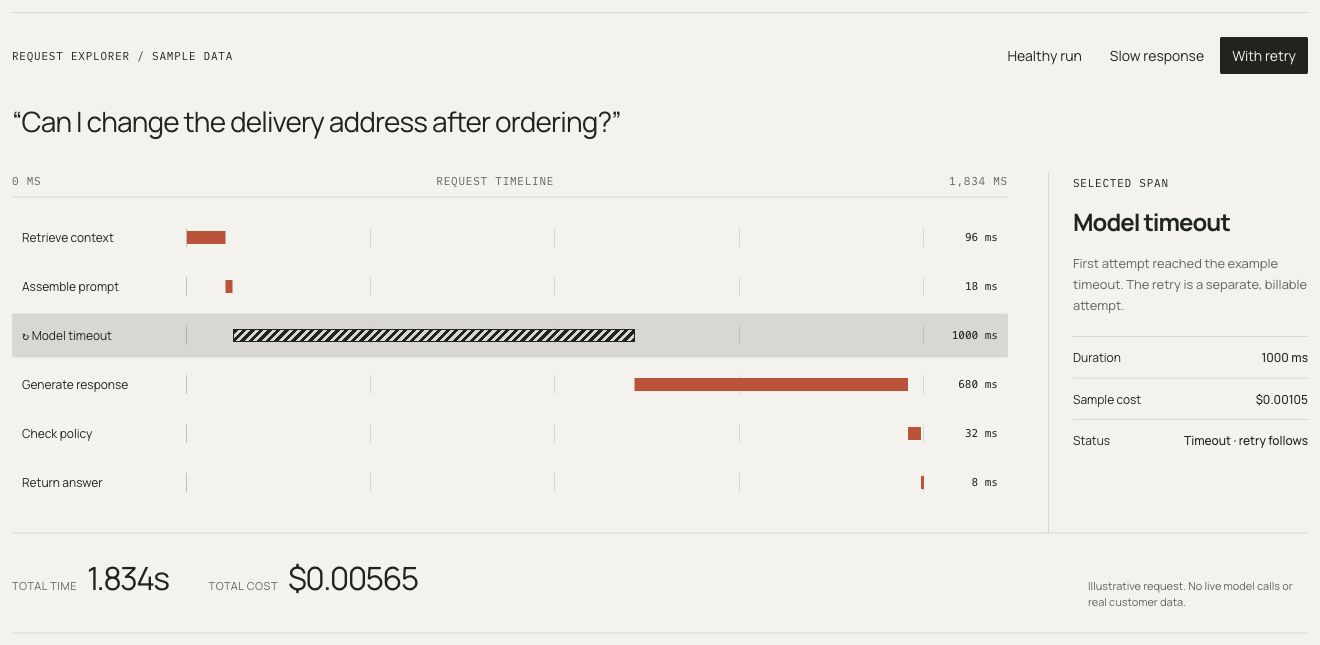
Compare healthy, slow and retry scenarios. Select a step and inspect its contribution to time and cost.
Try this in the demoAn editable Framer site, focused interactive components and a clear route from first copy to launch.
Nine static pages, a CMS article layout and three original Field Notes articles. Shared navigation, footer and responsive desktop, tablet and phone layouts.
Selectable request spans, healthy/slow/retry scenarios, a searchable request console, an editable usage calculator and a filterable integration directory.
Edit page text and styles in Framer. Use property controls for trace timings, sample costs, calculator rates and calls to action. Follow the private setup page and public buyer guide.
Your brand, copy and product data belong in the editor. Native layouts and focused code components keep routine changes close to the content they affect.
Read the setup guide ↗Start with the included samples. Connect your own services when you need them, with the setup and boundaries explained.
IN THE NATIVE TEMPLATE
The console already reads an owned, simulated public feed. Replace it with your compatible public HTTPS endpoint. Your backend, authentication and private logs stay outside the template.
Console setup ↗OWNER CONFIGURATION
Editable native fields and a no-send preview are provided. Configure Framer’s form destination before receiving leads. An optional signed-webhook email kit includes server code and a runbook; hosting, provider accounts and delivery testing are separate.
Email setup ↗FREE PUBLIC BETA
Install the free plugin from the Framer Marketplace. Import public JSON into CMS drafts, review changes and detect conflicts with manual edits. It also inserts and configures the request console. Imports run when you choose; the template works without the plugin.
Explore the plugin guide ↗Tracefield is a website template for presenting a SaaS product. The demos are interactive, but they do not run models or monitor your infrastructure. The optional public feed is a display connection; your production application and backend are separate.
A Framer account and your own content. Hosting, a domain and any required CMS or localization plan are separate. The setup guide walks through identity, pages, data, forms and launch checks.
They are in English. The storefront and setup guides are available in Italian and English. You can replace the native copy in Framer; a multilingual published site requires its own localization setup and appropriate plan.
No. The public demo does not send or store inquiries. Remove the documented demo guard in your copy, configure a destination and verify delivery with your own test recipient before publishing.
Do not put secrets, personal data or private request logs in a public Framer component. The included console and connector use public JSON. A private integration needs a separately designed backend and access controls.
The purchase summary below shows the price, currency and launch deadline. One time, including VAT where applicable, for one project. Read the purchase terms for the full license, support scope and refund information. Custom design, content entry, integration work and hosting administration are quoted separately.
Try the native demo and read the setup guide. Your purchase includes an editable Framer copy and the companion kit, with documentation and code for the optional integrations.
Explore the live demo ↗